

Read offline. Keep a library. Learn a language.
re/read is a browser extension for reading web articles and EPUB books: whatever you open in it stays on your device and is there without an internet connection. If you read in a language you are learning, select a word or a phrase to see its translation or hear how it sounds. The words you select are then underlined wherever they come up again - in other articles and books too - until you click Learned in the bubble.
- No account and no server
- No sync - everything stays on your device
- Works offline, with the network switched off
- Open source, AGPL-3.0 licensed
- Firefox and Chromium browsers, on Android too
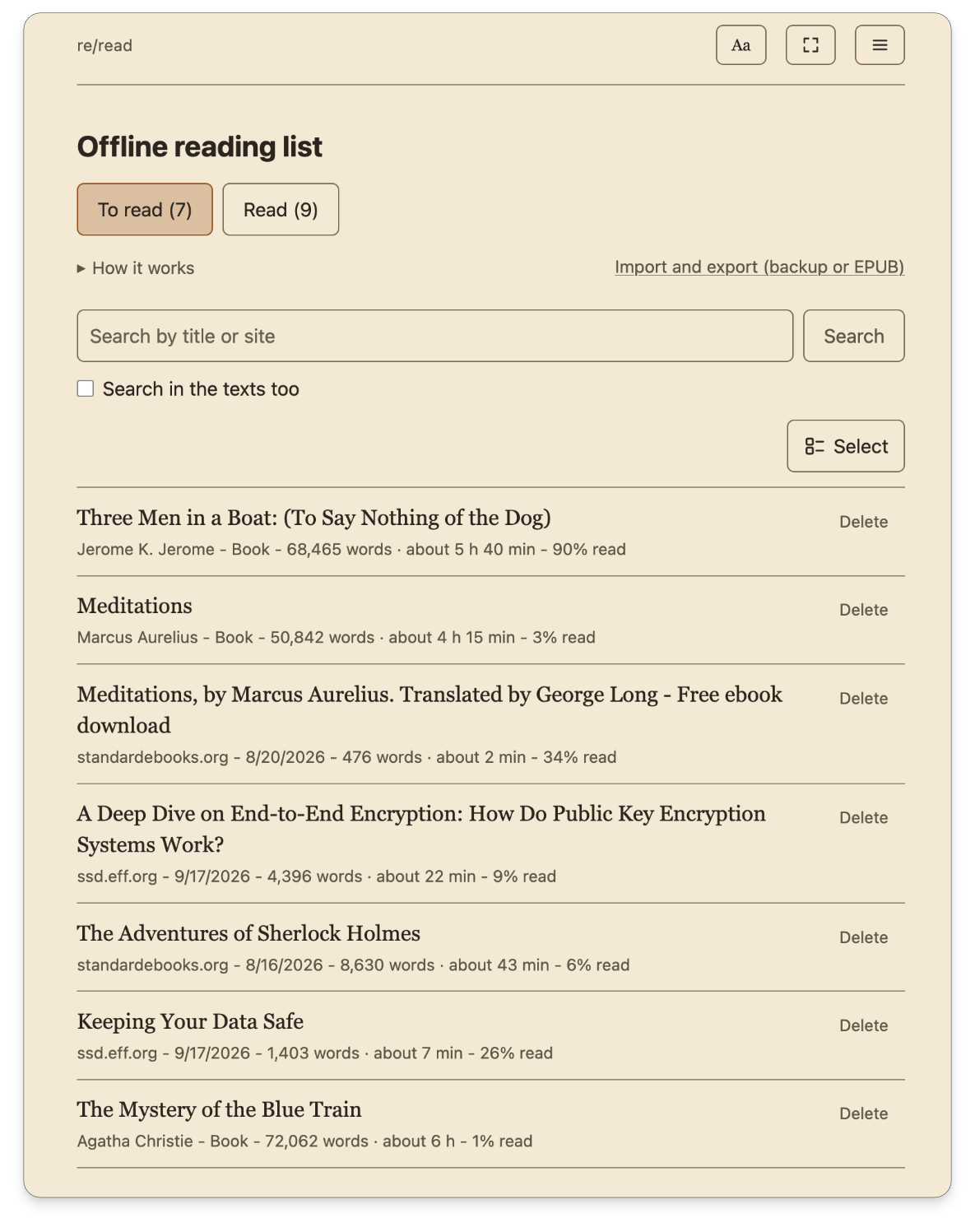


Reading view and offline library
re/read exports highlights as a Markdown file with quotes, and a whole article or book as a Markdown file; re/notes imports both. A note exported from re/notes as Markdown can be imported into re/read's library as a text.
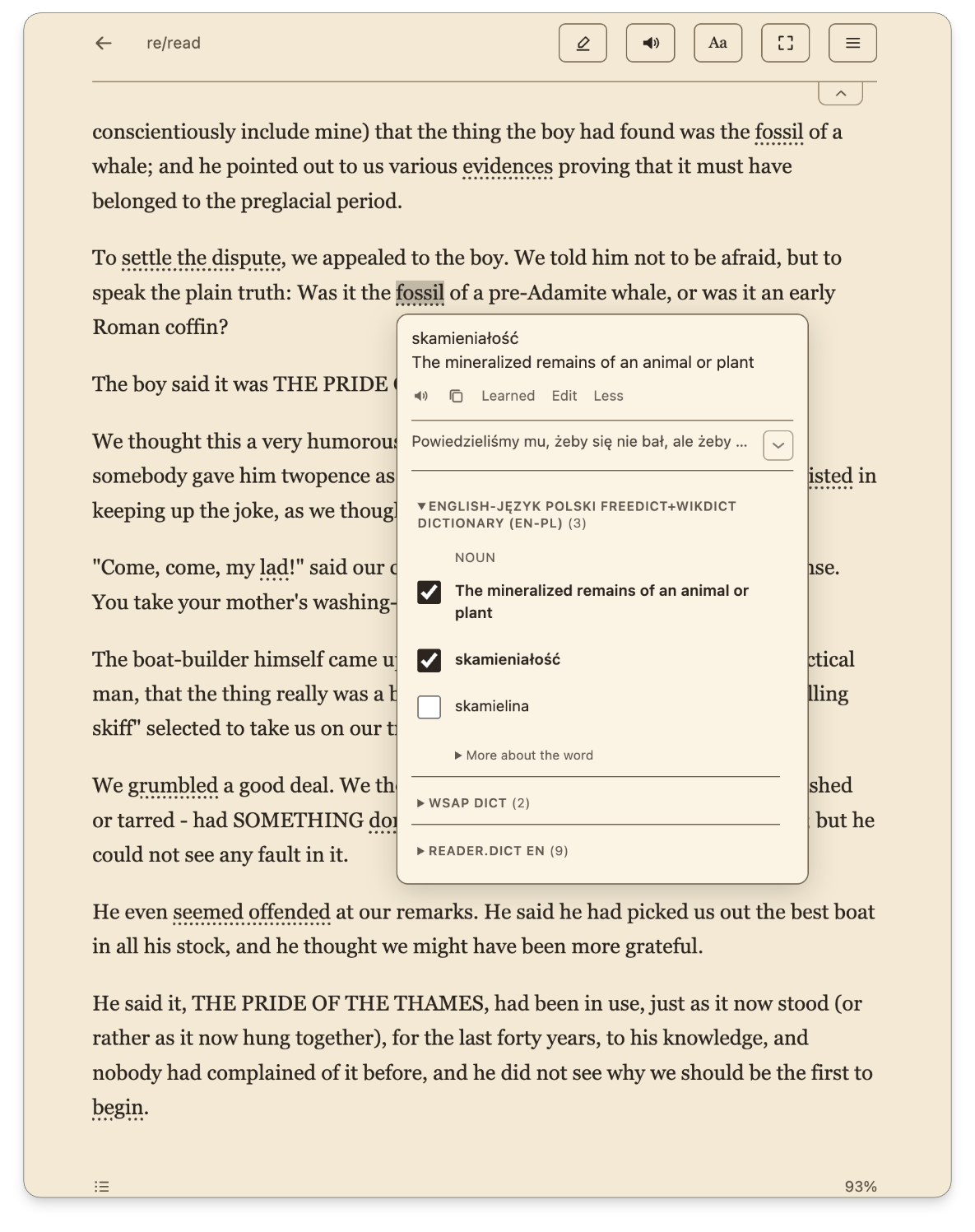
Translation and dictionaries
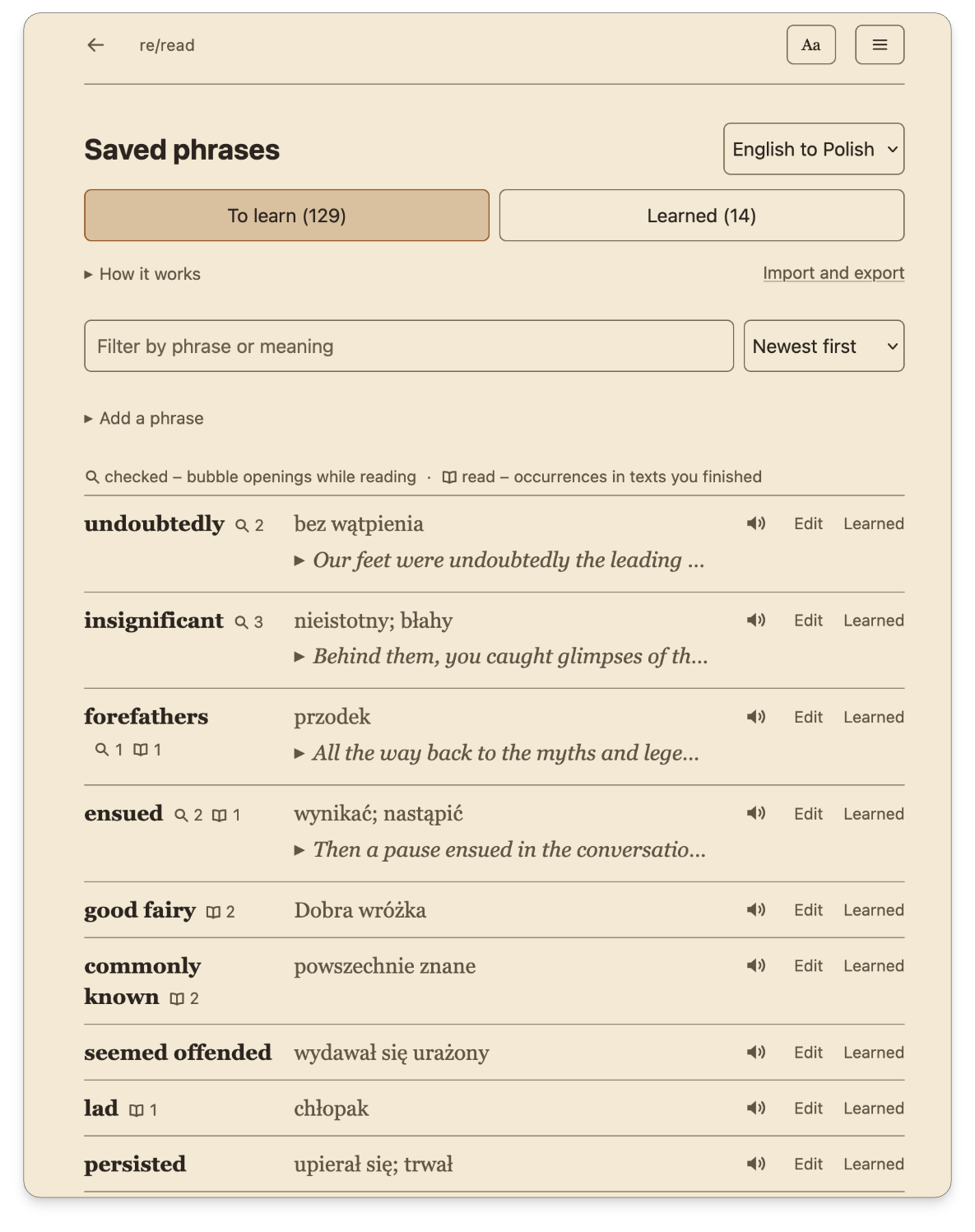
Vocabulary
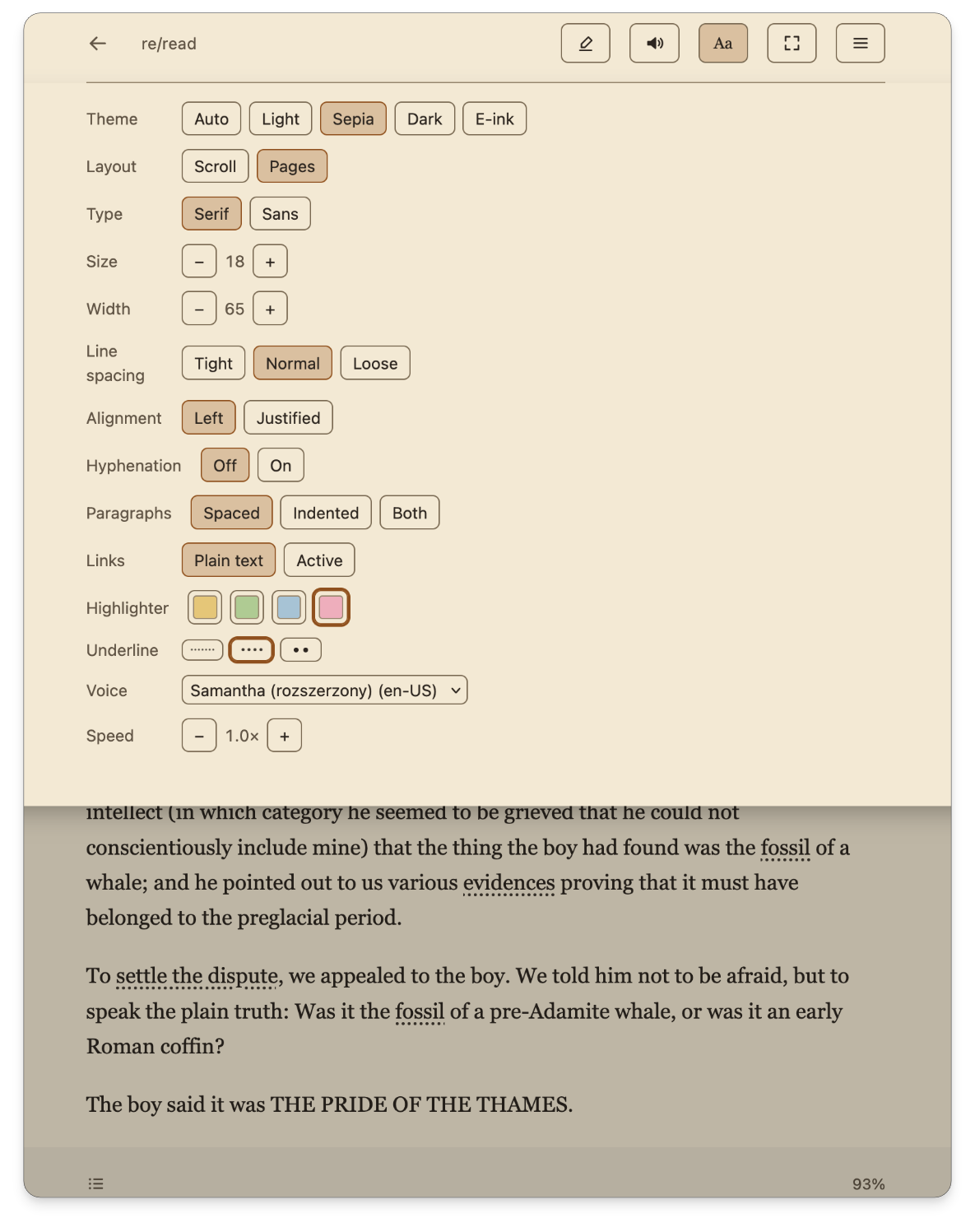
Reading in your own language
With the translation model switched off, re/read is simply a reader; the dictionaries work without a model too.
- Switch on "Use without a translation model" in the settings: machine translation is off, and the reading view, the offline library, the highlighter, read aloud and search work as before. Nothing is deleted, and you can switch the option back at any time.
- Dictionaries and saved phrases keep working, on ordinary pages too: select a word and you see its dictionary entries. You can save one of the meanings, or press "Edit" and type your own; saved phrases are underlined on every page they appear on.
- You can also add a monolingual dictionary, for example English-English for reading in English: select a word and you see its definitions. Which dictionary is searched depends on the page's language; when a word is not in your dictionaries, or no dictionary matches the page's language, the bubble shows a message about it.
- If you do not want the bubble, switch on "Do not show the bubble when selecting text" under that switch: on ordinary pages nothing appears when you select text, and in the reading view a selection only highlights the text.
Privacy
No account, no sync, no server, no telemetry, no analytics, no ads. Your vocabulary, models, dictionaries, saved articles and highlights are stored in the browser's local storage, on your device.
The extension connects to the internet only when you download a Mozilla translation model, a WikDict dictionary or a dictionary from a link you paste - and when you press "Download pictures" in the reading view's menu or "Download and show in the text" under an article's title: then it fetches a saved article's pictures from the addresses its pictures point at - the site the article came from or its image server. Once you have the models and dictionaries, you can use re/read entirely offline. The text you read, the words you select and the vocabulary you translate and save never leave your device.
re/read is not connected to your re/notes or re/task account. It has no accounts at all. Nothing it stores is synced anywhere, and uninstalling the extension deletes everything - the browser removes the extension's storage along with it.
You do not have to take our word for it: open the network panel in the developer tools, read the code (the extension is open source under AGPL-3.0 and the package ships unminified, exactly as it is in the repository), or simply switch the network off - translation, dictionaries and the library keep working.
Questions
Support
Reborn Apps is a project run by Reborn Foundation — a Polish non-profit organization. We provide re/task and re/notes for free, with full end-to-end encryption, no ads, and no data collection. Their maintenance and development are funded from the foundation's own resources and thanks to the support of donors.
If you use our apps and want to support their further development — every donation helps us build software free from commercial pressure.
Donate from abroad
For donors outside Poland, we provide a Wise link — pay by SEPA transfer (free in the eurozone), card, or from a Wise account. You can donate in EUR, USD, GBP — Wise converts at the mid-market rate.
→ Donate via WiseDonate from Poland
Transfer directly to the foundation's bank account. Donations for the foundation's statutory purposes may be tax-deductible — check the details and current rules with your tax office or accountant.
09 1600 1462 1816 4732 5000 0001 Fundacja Reborn Darowizna na cele statutowe Rate re/read
re/read is free and asks for nothing. If it helps you read, a rating on Firefox Add-ons or in the Chrome Web Store helps other readers find it. It takes a minute and costs nothing.